

Download MediaFire – free cloud storage, secure backup, Windows, Mac, Android
Overview
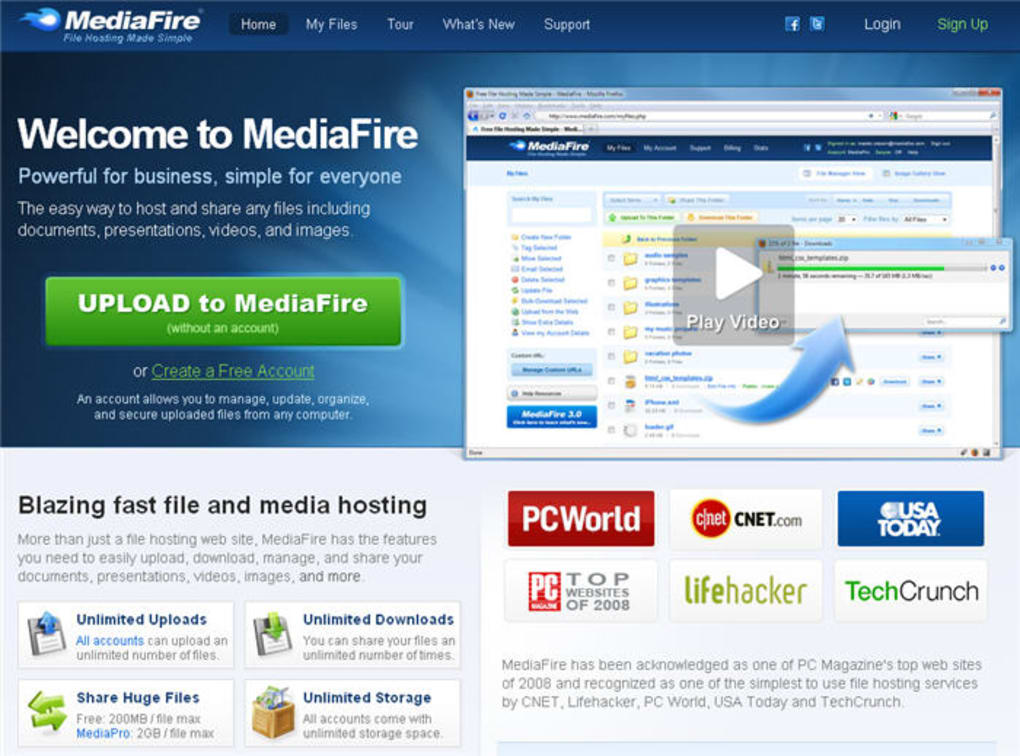
MediaFire is a simple and affordable cloud storage solution that targets users who need a quick way to back up files and share them online without the complexity of enterprise‑level services. Launched over a decade ago, MediaFire has built a reputation for offering 10 GB of free storage straight out of the registration process. The free tier is ad‑supported, meaning downloads are interrupted by occasional ads, but the trade‑off is a generous allocation for a no‑cost account.
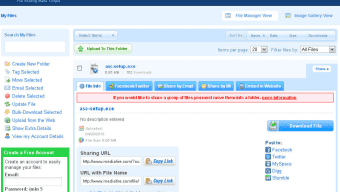
Users can upload files up to 4 GB in size, organize them into folders, rename, copy, or delete them through an intuitive web‑based explorer. Sharing is as easy as generating a direct URL that can be sent via email, chat, or posted on a website. While the platform lacks advanced features such as file syncing or built‑in encryption, it makes up for those gaps with a straightforward interface and quick upload speeds.
For individuals looking for a basic backup tool or a convenient way to distribute large files (think videos, software installers, or design assets), MediaFire provides a reliable, low‑maintenance option. Power users who require more storage, larger upload limits, or ad‑free experiences can upgrade to Pro or Business plans, which unlock additional space and a few premium utilities at competitive prices. In short, MediaFire excels at what it promises: a hassle‑free, free cloud storage service that gets the job done for personal use.
Key Features of MediaFire
- 10 GB Free Storage: Instantly receive 10 GB of cloud space after creating a free account, with the option to earn extra gigabytes through referrals or completing simple tasks.
- Large File Uploads: Supports uploads up to 4 GB per file, allowing you to store high‑resolution videos, software bundles, or extensive photo archives.
- Simple Sharing Mechanics: Generate a direct download link with a single click, and share it via email, social media, or embed it on a website.
- Folder Management: Create, rename, move, and delete folders directly from the web interface, mimicking the experience of a local file explorer.
- Cross‑Platform Access: Access your files from any modern browser, and use dedicated apps for Windows, macOS, Android, and iOS for on‑the‑go management.
- Paid Plans with Expanded Benefits: MediaFire Pro and Business subscriptions increase storage (up to 1 TB) and raise the upload ceiling to 20 GB, while also removing ads.
- Basic Collaboration Tools: Share folders with multiple users, assign view or edit permissions, and keep track of who has accessed a file via the activity log.
While MediaFire does not provide native file syncing or end‑to‑end encryption, its core feature set covers the essential needs of most casual users. The platform’s strength lies in its ease of use—no complex configuration files, no background services, just a clean web dashboard that anyone can navigate. For those who prioritize speed and simplicity over advanced security or collaborative workflows, MediaFire’s feature list hits the sweet spot.
Installation & Usage Instructions
Step‑by‑Step Setup for Desktop (Windows & macOS)
- Visit the official MediaFire website and click the Sign Up button.
- Enter your email address, create a strong password, and confirm your account via the verification email sent to your inbox.
- Once logged in, locate the Download Desktop App link in the top navigation bar.
- Run the installer (
MediaFireSetup.exefor Windows orMediaFireInstaller.dmgfor macOS) and follow the on‑screen prompts. The installation process typically takes under two minutes. - After installation, launch the MediaFire client. You’ll be prompted to log in with the credentials you just created.
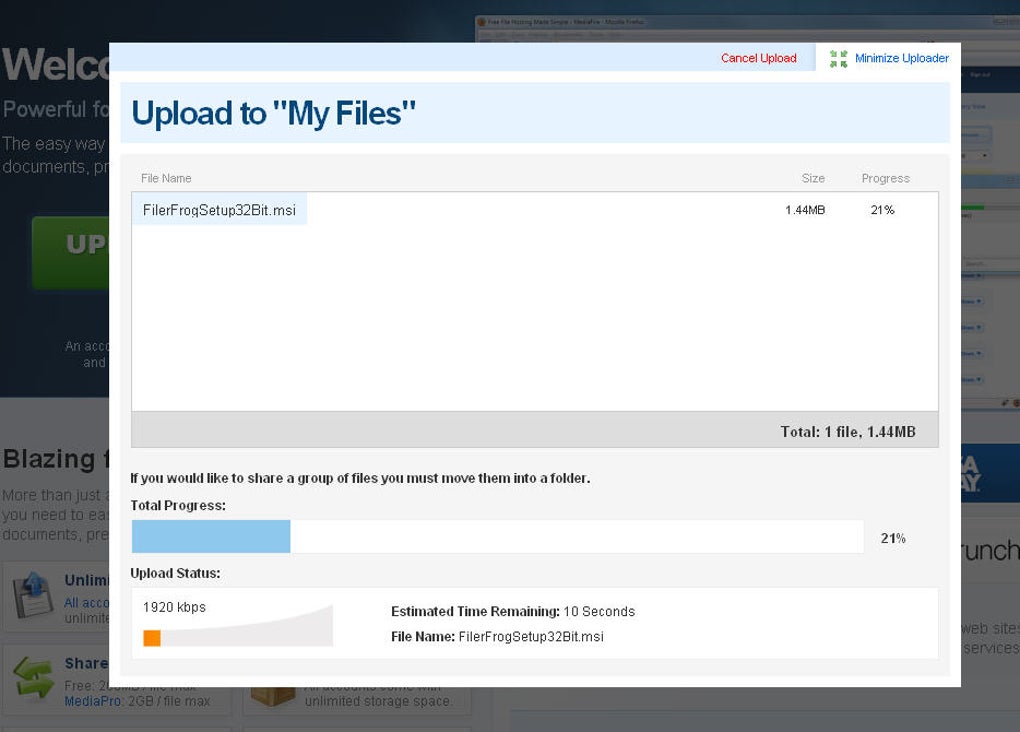
- Drag and drop files or folders into the client window to start uploading. You can monitor progress via the status bar at the bottom.
- To share a file, right‑click it in the client and select Get Share Link. Copy the generated URL and paste it wherever you need.
Mobile App Installation (Android & iOS)
For Android users, open the Google Play Store, search for “MediaFire”, and tap Install. iOS users can find the app in the Apple App Store under the same name. After installation, sign in with your account, and you’ll have immediate access to upload photos, videos, and documents directly from your device. The mobile app also supports background uploads, so large files can continue uploading even if you switch to another app.
Best Practices for Efficient Use
- Organize Early: Create a folder hierarchy (e.g.,
Projects/2025/Marketing) before you start uploading to avoid a cluttered root directory. - Leverage Bulk Uploads: Use the desktop client’s drag‑and‑drop feature to upload multiple files at once, reducing the number of individual upload sessions.
- Utilize Referral Bonuses: Invite friends via the built‑in referral link; each successful referral adds up to 5 GB of extra free space.
- Mind the 4 GB Limit: If you need to store larger files, consider splitting them into smaller parts (e.g., using WinRAR or 7‑Zip) or upgrade to a paid plan.
- Regularly Clean Up: Delete outdated files or move them to an external hard drive to keep your cloud storage within the free limit.
Overall, MediaFire’s installation process is straightforward and designed for users of all technical backgrounds. Whether you prefer a web‑only workflow or the convenience of a desktop/mobile client, the service adapts to your preferred environment without demanding extensive configuration.
Compatibility, Pros & Cons
MediaFire offers native applications for Windows 10/11, macOS 10.13+, Android 5.0+, and iOS 11+. The web interface works on any modern browser (Chrome, Firefox, Edge, Safari), making the service platform‑agnostic.
Pros
- Generous Free Tier: 10 GB of storage without any credit‑card requirement.
- Easy File Sharing: Direct URLs and folder sharing are created in seconds.
- Cross‑Device Access: Seamless transition between desktop, mobile, and web.
- Scalable Paid Plans: Affordable upgrades for users who need more space or ad‑free usage.
- No Sync Overhead: Since there is no background syncing, the app consumes minimal system resources.
Cons
- Lack of File Sync: No automatic synchronization between local folders and the cloud, which can be a drawback for teams.
- Missing Encryption: MediaFire does not provide built‑in end‑to‑end encryption, leaving data potentially vulnerable.
- Ad‑Supported Downloads on Free Tier: Users encounter ads during file retrieval, which can slow down large downloads.
- 4 GB Upload Limit: Restricts storage of very large media files unless you upgrade.
- Limited Collaboration Features: No real‑time editing or advanced permission settings found in competitors like Google Drive.
Overall Rating: 3.5 / 5 – MediaFire is a solid choice for personal backup and simple sharing, but power users will likely outgrow it due to security and sync limitations.
FAQ & Final Thoughts
How much free storage does MediaFire provide?
MediaFire offers 10 GB of free cloud storage upon registration. Users can earn additional space through referrals and promotional tasks.
Can I sync folders between my computer and MediaFire?
No, MediaFire does not include a native file‑sync feature. Files must be uploaded manually via the web interface or desktop client.
Is my data encrypted on MediaFire?
MediaFire uses standard TLS encryption for data in transit, but it does not provide end‑to‑end encryption for files at rest. For sensitive information, consider encrypting files locally before uploading.
What are the limits for paid accounts?
MediaFire Pro plans start at 1 TB of storage with a 20 GB per‑file upload limit, while Business plans can be customized up to unlimited space and higher upload ceilings.
How do I share a folder with multiple users?
Create a folder, click the share icon, and generate a shareable link. You can also set view‑only or edit permissions for specific email addresses within the folder’s sharing settings.
In conclusion, MediaFire shines as a no‑frills, free cloud storage platform that gets the basics right: generous space, straightforward uploading, and instant sharing via direct links. Its desktop and mobile apps make it easy to access files on any device, and the upgrade path to Pro or Business plans is transparent and reasonably priced. However, the absence of file syncing, encryption, and more sophisticated collaboration tools means that the service is best suited for individual users or small teams who prioritize simplicity over advanced functionality. If your primary need is to back up documents, photos, and occasional large media files while having a reliable way to distribute them, MediaFire is a worthwhile option. For organizations that require secure, synchronized, and collaborative cloud storage, exploring alternatives like Google Drive, Dropbox, or OneDrive may be more appropriate.
Ready to experience hassle‑free cloud storage? Download MediaFire now and claim your free 10 GB today.



.png)



